Digital estate planning made easy

Start with tiny digital asset tasks today to build a plan your family can use over time, without becoming overwhelmed.
See How it Works
Thank you! You're on the waitlist. We’ll let you know when
the NextofKin App is publicly available.
Please enter a valid email address.
Planning is for everyone

• creators or influencers

digital content creators with multiple accounts or income streams

• retirees or parents

adults entering retirement or those who have “what if” worries

• adults with aging parents

adults caring for aging parents who have those “what if” concerns

• new parents or newlyweds

family members who want their loved ones to know what to do, if something happens
Credit card mockups
We help you take the first step.

It does not have to be overwhelming

Most people want to protect their family, they just do not know where to start.

Estate planning often feels too

complicated

expensive

final

So it gets pushed to “later” for months or years.

Meanwhile, passwords, logins, and income streams stay trapped in a person’s head.
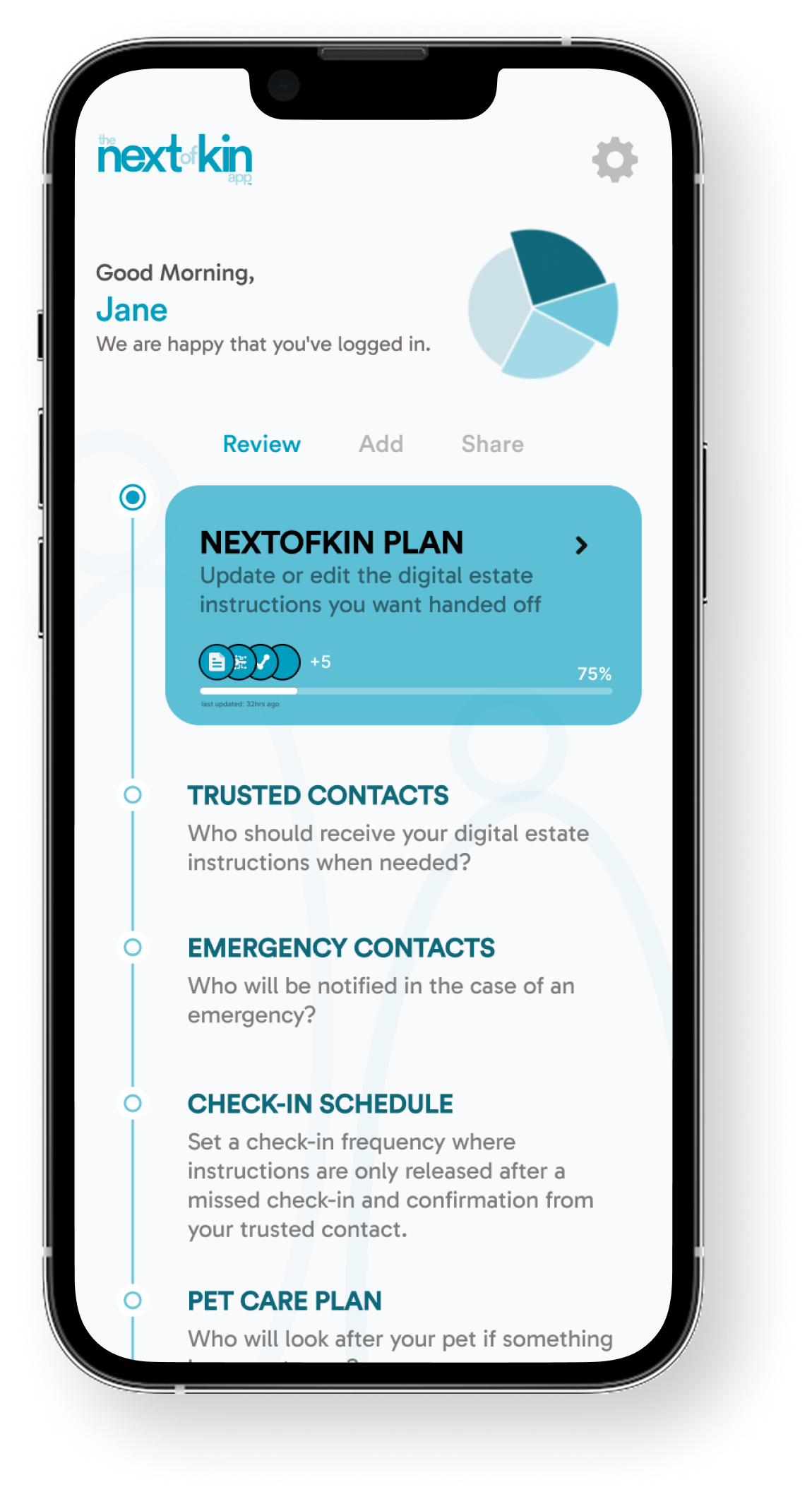
Smartphone screen showing a digital estate management app interface with 75% completion, accounts, beneficiary, documents count, and task buttons for review, add, assign, and download.

We help you start

The NextofKin app is a step-by-step estate-planning companion that:

• breaks everything into tiny, doable tasks

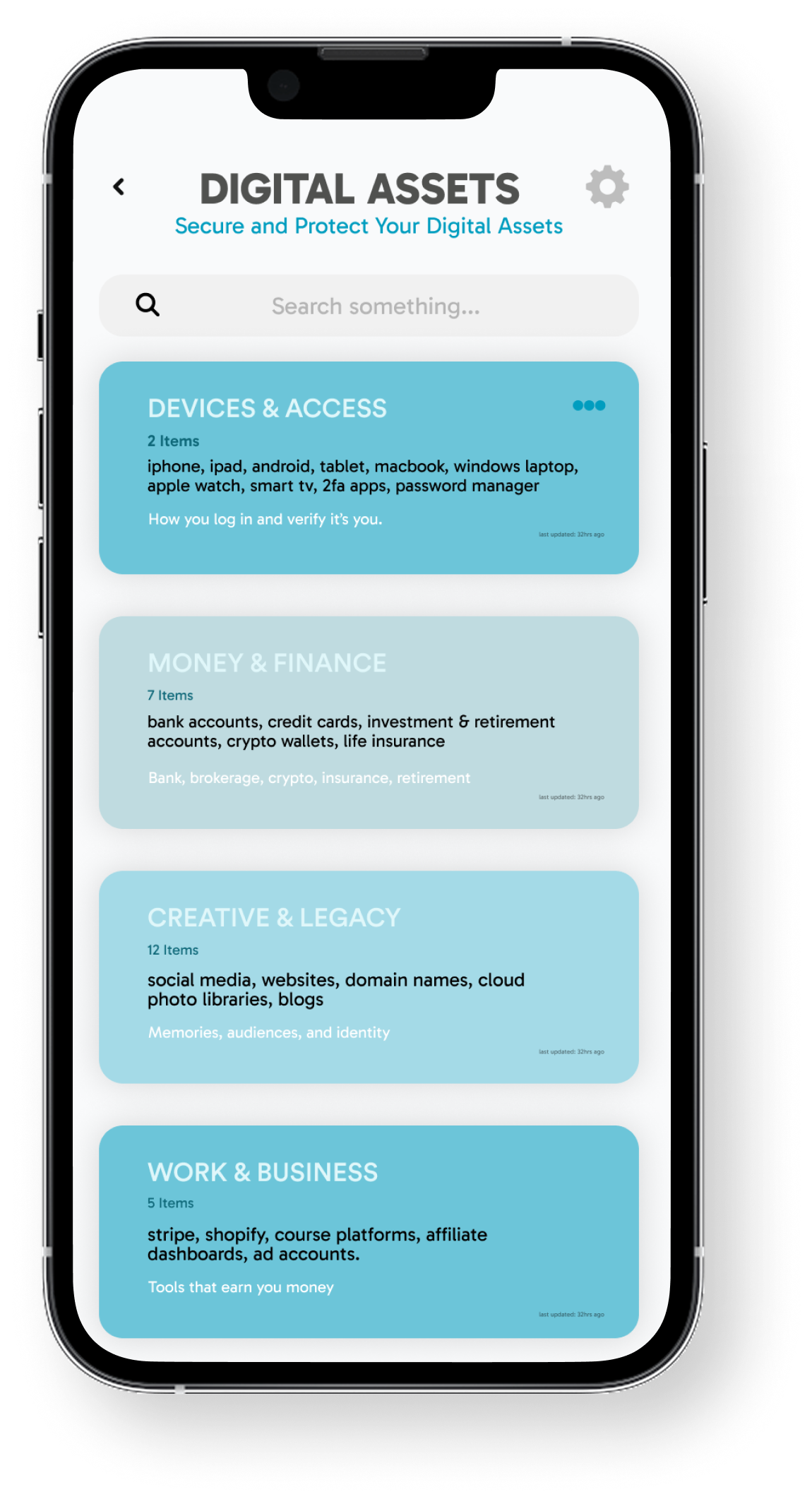
• starts with digital assets

• guides you in plain, human language

• quietly builds something your family or attorney can use


No legal jargon. No pressure to “finish everything” in one sitting. Just progress, one small step at a time.

How it works

One small step
at a time

Tiny tasks : add an account, create a document, or select one person in your life to be informed. Complete them in 2–5 minutes.

Track what
matters

As you add accounts, assets, and people that need to know about them, you are building a clear snapshot of your legacy and who should get access over time.

Securely share
your plans

Create and export a simple summary of your plans for your family or an attorney, so they have something that they can use, if needed.
Your data is handled with care

We know this isn’t just any data
it's your life's information

• You control what’s stored and what stays offline

• You choose when to add sensitive details and when to keep things high-level

• You can export or delete your data anytime
See how we protect our data

Not a password manager or law firm

Password managers store logins but they don’t tell your family what and which accounts are important, what to do with them, or who should get access.

Attorneys create legal documents but they can’t see inside your subscriptions, apps, crypto, or creator income.

At the NextofKin, we offer what is in between “I’ve done nothing” and “I hired an attorney”. We are a platform where overwhelm becomes preparation, one small step at a time.

FAQs

Why use the NextofKin?

Chevron
Most people avoid estate planning, not because they don’t care but they do it because it feels big, confusing, and final.

The NextofKin helps you start small. You organize your digital life into clear categories (banking, utilities, healthcare, subscriptions, creator income, etc.) and then decide who should see what and when.

You assign access so that, for example, an adult child can see Utilities + Healthcare logins, but not Bank accounts.

Our beneficiary “handover mode” is designed so access is only granted after a trigger you define (such as death, incapacity, or another life event), turning your scattered accounts into a simple, usable plan for the people you trust.

What if I am not tech-savvy?

Chevron
You don’t need to be “a tech person” to use the NextofKin.

Inside the app is a guided experience that walks you through:

• adding one account or asset at a time

• choosing who should know about it

• understanding the basics of inheritance and access in plain language

Each step is small, clear, and takes just a few minutes.

How safe is this app?

Chevron
Here, security is the foundation, not an afterthought.

NextofKin is built with a zero-knowledge architecture, which means:

• Your master password is never stored on our servers.

• Sensitive data is encrypted on your device before it’s sent to us, using industry-standard strong encryption (such as AES-256).

• We can’t see your vault contents; only you hold the keys to decrypt your information.

Plain terms: we protect your data, we can’t read it, and you stay in control.

What happens if I forget my Master Password?

Chevron
Because of the zero-knowledge design, we cannot see or reset your Master Password. It never leaves your device.

During setup, you’ll be given a unique, system-generated Secret Key and prompted to create a helpful hint.

To keep access safe and recoverable:

• Store your Secret Key somewhere secure (and separate from your devices)

• Use your hint as a gentle reminder only you would understand.

If you forget your Master Password, you will need that Secret Key and hint to regain access.

This keeps control in your hands, not ours.

What's the difference between this and just using a free password manager?

Chevron
Password managers are built for everyday login convenience. The NextofKin is built for family readiness and inheritance.

Typical password managers:

• Store usernames and passwords

• Help you log in faster

They are not designed around beneficiaries, triggers, or “what happens if I’m gone?”

With the NextofKin we:

• Organize accounts and assets with inheritance logic

• Let you define who gets access, to what, and under which conditions

• Provide structure, context, and guidance so your family (or attorney) isn’t left guessing in an emergency

You still get secure management, but with the added layer of intentional, permission-based sharing designed for peace of mind, when it matters most.

Start your digital legacy with one small step

Get the App